Built for · project sync
One project folder, current on every machine.
Most post teams do not have a file problem. They have a copy problem. The assistant has one version of the shoot, the editor has another, the producer is waiting on a link for the thing that already exists on two hard drives. Project Sync makes the folder itself the shared thing, so nobody has to send anything for the work to move.
4 things that go wrong
What copying costs you, and what happens instead
The friction
The day ends with a transfer, not a cut
Cards get offloaded, then somebody sits with a progress bar for two hours before anyone else can touch the footage.
What this does instead
Flag your offload folder and the upload starts the moment a card lands, while you are still shooting. By the time you sit down the transfer is mostly done, and everyone else already has it.
The friction
Nobody is sure which copy is current
Three drives, two Dropbox folders, and a shared link from last Tuesday. The version question costs more time than the work does.
What this does instead
There is one tree. A file anyone adds shows up on every machine within minutes, in the same place it was put. If it is in the folder, it is current.
The friction
Cloud drives mangle the structure
Consumer sync tools flatten camera cards, rename duplicates, and helpfully evict the files you need offline right before you need them.
What this does instead
Folder hierarchy is preserved exactly, including card structure. Your local edits win over the cloud copy, so the app never overwrites work you just did.
The friction
The wifi drops and the transfer starts over
Hotel internet, a location with one bar, a laptop that slept. Four hours of upload, gone.
What this does instead
Uploads resume from where they stopped rather than restarting. You can also cap the app to a share of your measured uplink so a sync does not take the whole connection while you are on a call.
Setting it up
Point it at a folder. That is the setup.
- 01
Pick the project folder
Open the Mac app, choose Project Sync, and point it at the folder you already work out of. No new folder to adopt, no restructuring, no moving anything first.
- 02
Send the team link. That is the whole invite.
Hit Copy team link and send it. Your editor pastes it into the free Mac app, picks where the project lives on their drive, and the tree starts filling in. No account to make, no key to paste, no permissions to set up: the link carries everything.
- 03
Offload folders push on their own
Flag the folder your cards offload into. The app watches it, waits until each file has finished writing so a half-copied master never uploads, then sends it up.
- 04
Everyone works out of the same tree
Add a selects folder, drop in a music demo, save a graded still. It is on the other machines within minutes with the path intact.
- 05
Flagged folders publish as you go
Mark a folder for review or for masters. After that, dragging an export into it on your desktop is the entire publish step. The client gets it on a review link or a delivery link with nothing else to do.
- 06
Nothing to tear down
When the job wraps the folder is still just a folder. Stop syncing it and every machine keeps the files it has.
What it looks like
The app, and the folder it keeps current
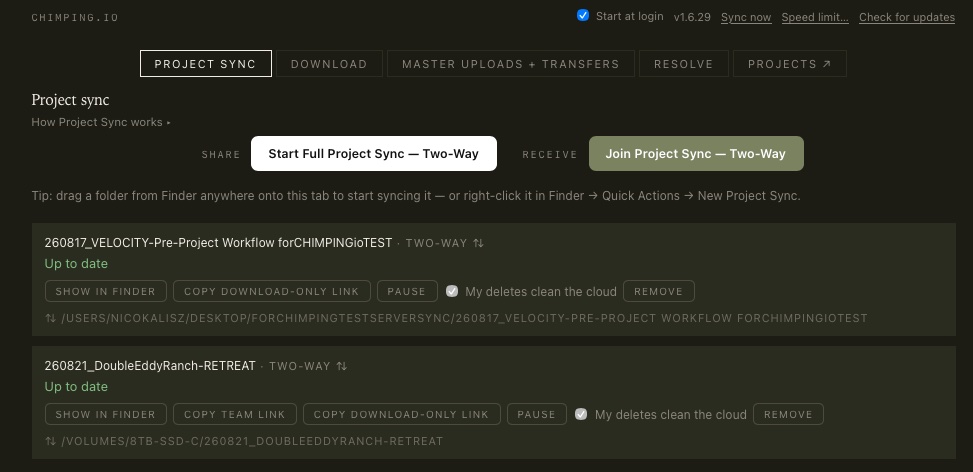
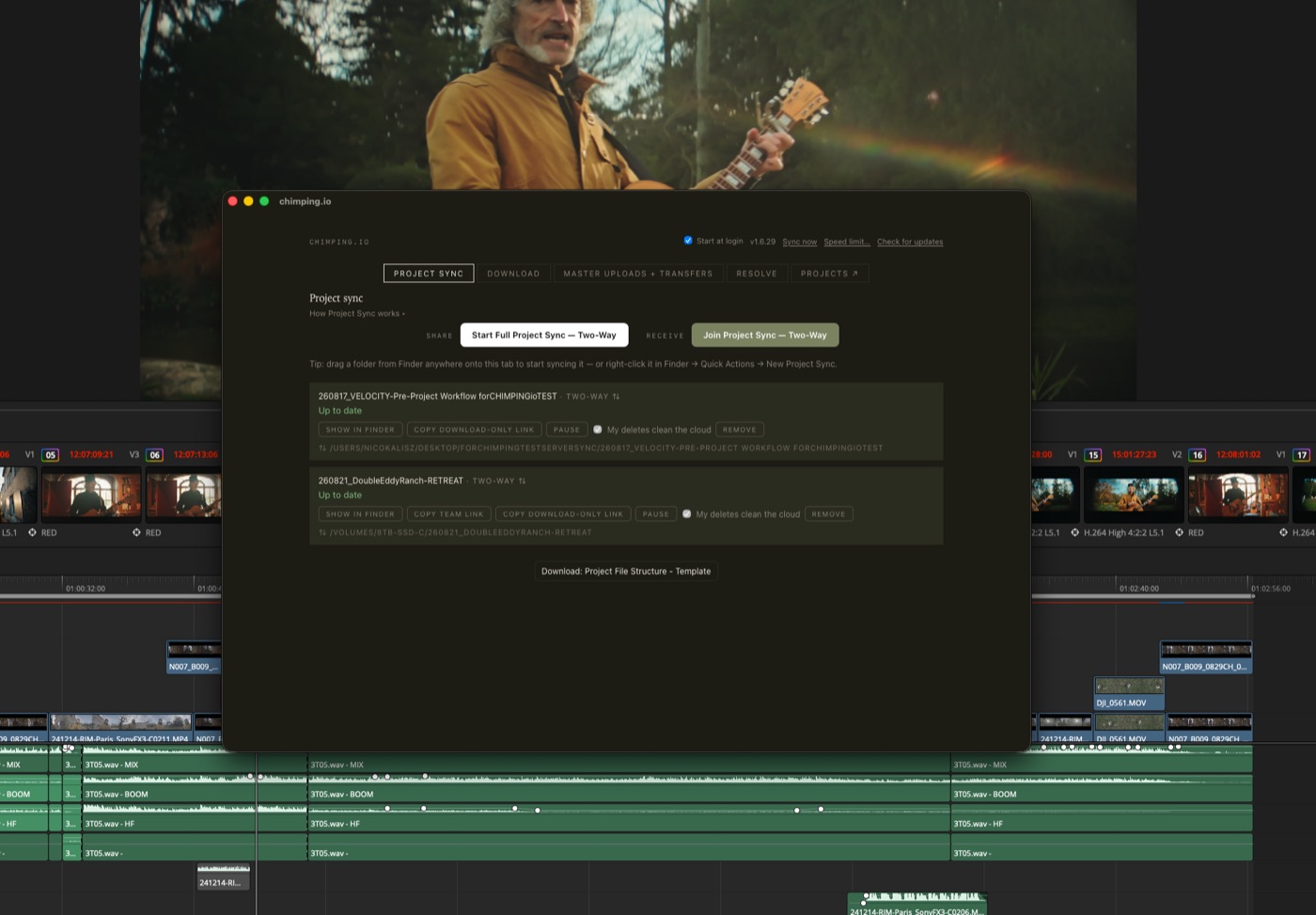
Left: Project Sync running in the Mac app. Right: the synced project tree sitting behind a working timeline, which is where it actually lives most days.
Questions about Project Sync
Frequently asked
How is this different from Dropbox or Google Drive?
Three things. It preserves camera-card structure instead of flattening or renaming it. It does not evict local files to save space, so the footage you need offline stays on disk. And the same folder can publish: flag one for review or masters and dropping a file in it sends that file to a client link, which no consumer sync tool does.
Does everyone on the team need a paid plan?
No. Sync runs off the project owner's plan, and there are no per-seat fees. The people you invite install the free Mac app and sign in. What you pay for is storage and transfer volume, not headcount.
What happens if two people change the same file?
Your local copy wins. The app will not overwrite something you just edited with an older cloud version. Nothing you have on disk is replaced without your machine being the one that changed it.
Does it sync both directions?
Yes. Files you add go up, files anyone else adds come down. An offload folder can also be set to push only, which is what you want on a shoot laptop that should send the day's cards up without pulling the whole project back down.
What happens when the connection drops mid-transfer?
It resumes from where it stopped rather than starting the file over. The app checks what actually made it to the other end and sends only the missing parts.
Can I stop it from saturating my connection?
Yes. The app measures your real uplink and you cap it to a percentage of that, so a sync running in the background does not take your whole connection during a call. You can also hold transfers until a night window.
Does this replace the review and delivery links?
No, it feeds them. Sync is how the team shares working files. Review links are how clients comment on cuts, and delivery links are how a finished master reaches someone outside the project. Flagged folders are the bridge: a file you drop into one goes out on the matching link.
Is Project Sync available on Windows?
The desktop app is Mac only right now. Everything that runs in the browser, review links, deliveries, receive links, works on any platform, and recipients never need the app to download from a link.
Try it on one job
3-day trial. Point it at a folder and see what stops happening.
If nobody on the job asks you to re-send something, it worked.